 Wonek VPN
TRAVEL, PUBLIC WI-FI & NOMAD GUIDES · IPHONE, IPAD & MAC
Complete 5-Minute Pre-Flight VPN Checklist for iPhone, iPad & Mac (2026)
| Step | Done at Home? | Why Doing It Before Takeoff Matters |
|---|---|---|
| Install & approve VPN profile | Yes (Wi-Fi) | Avoids slow App Store downloads on airport Wi-Fi |
| Verify StoreKit sync on Mac + iPhone | Yes | Confirms shared balance across all gear |
The 5-Step Night-Before-Flight Routine
1) Install Wonek VPN from the App Store on your iPhone, iPad, and Mac. 2) Purchase your 30 GB ($1.99) or 100 GB ($2.99) GO pack—or Dedicated IP plan. 3) Tap Connect once on each device to approve Apple's Face ID VPN configuration prompt at home.
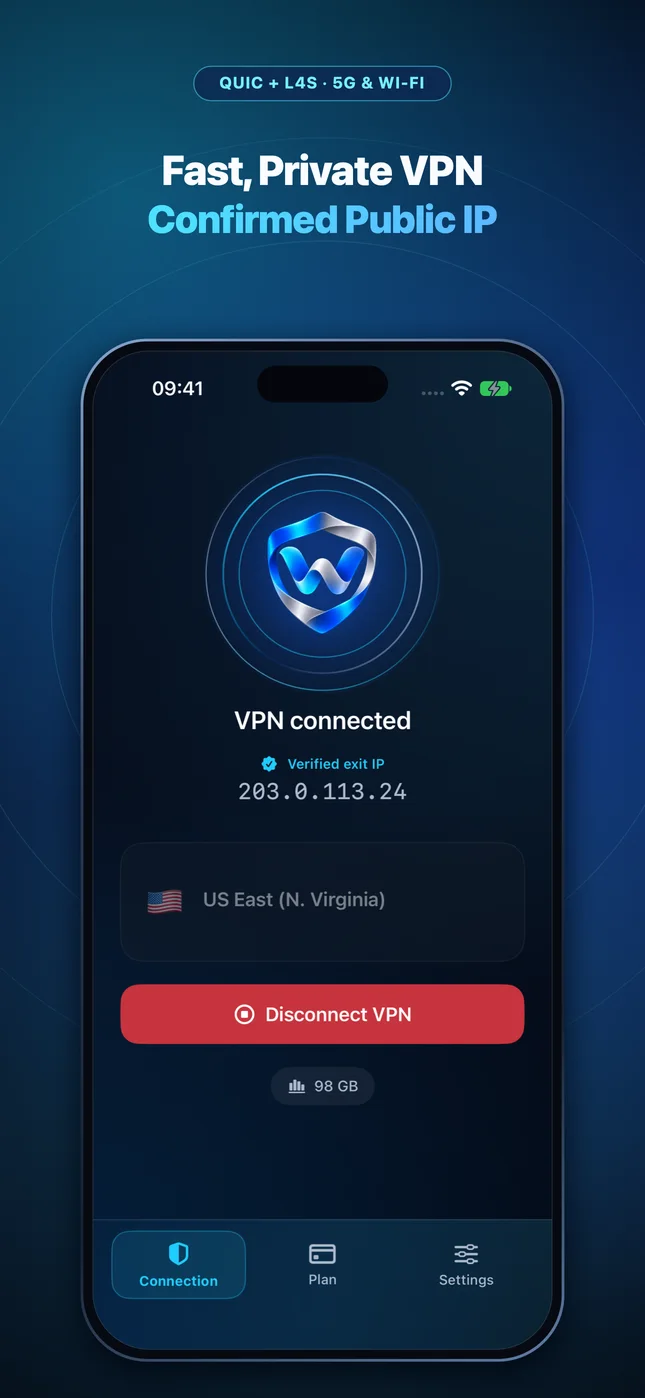
4) Confirm the verified public IPv4 appears on screen, then disconnect until boarding. 5) Bookmark our offline-friendly calculators at `/tools/`.
Billing model comparison: Choose a non-renewing data pack for trips and occasional hotspot security, or a recurring plan for daily use and reserved capacity.
Test It Yourself: Free Interactive Calculator + Native Apple App
Run your own numbers in our zero-signup Pre-Flight VPN Data Estimator, or get Wonek VPN on iPhone, iPad & Mac from $1.99 with zero auto-renewal.
Frequently Asked Questions
Does purchasing my GO pack the night before departure start the 31-day or 92-day clock?
Yes—buying the evening before takeoff means practically the entire 31-day or 92-day window covers your trip.
How can I verify that my traffic is actually exiting through the VPN server?
Wonek VPN runs an encrypted post-connect check and displays the verified public IPv4 address right on the Connection screen so you never have to guess.
Related VPN, QUIC & Static IP Guides
Mullvad €5 Monthly Time Pass vs Wonek VPN $1.99–$2.99 Data Packs (2026)
Compare Mullvad's flat €5 (~$5.50) 30-day time pass against Wonek VPN's $1.99 30 GB (31d) & $2.99 100 GB (92d) packs and Dedicated IPv4 on Apple devices.
2026 VPN Comparisons & PricingProton VPN Free & Plus vs Wonek VPN on iPhone & Mac (2026 Guide)
Compare Proton VPN's auto-selected free tier and €9.99/mo Plus plan against Wonek VPN's selectable regions, $1.99 travel packs & Dedicated IPv4.
2026 VPN Comparisons & PricingNordVPN Renewal Pricing vs Pay-Once $1.99–$2.99 Travel VPN Packs (2026)
Understand NordVPN's introductory 2-year bundle vs renewal rates ($12.99+/mo) and when a non-renewing Wonek VPN pack saves 80% on iPhone & Mac.
2026 VPN Comparisons & PricingExpressVPN ($12.95/mo) vs Wonek VPN on iPhone, iPad & Mac (2026)
Compare ExpressVPN's Lightway protocol and $12.95/mo single-month price against Wonek VPN's QUIC + L4S Apple tunnel and $1.99–$4.99 pricing.