 Wonek VPN
TRAVEL, PUBLIC WI-FI & NOMAD GUIDES · IPHONE, IPAD & MAC
Coworking Space Wi-Fi Security (WeWork, Regus, Local Hubs) for Mac Users
| Defense | Protects Inbound LAN Ports? | Encrypts Outbound Internet? |
|---|---|---|
| macOS Built-In Firewall | Yes | No |
| Wonek System VPN | Routes internet via `utun` | Yes — combine both! |
Two-Step Mac Hardening for Coworking Desks
1) Turn ON macOS Firewall (System Settings -> Network -> Firewall) and disable File Sharing / AirDrop 'Everyone'. 2) Connect Wonek VPN so outbound DNS and internet traffic stay encrypted.
If you access client databases or staging from that coworking desk, switch to your Dedicated Static IPv4.
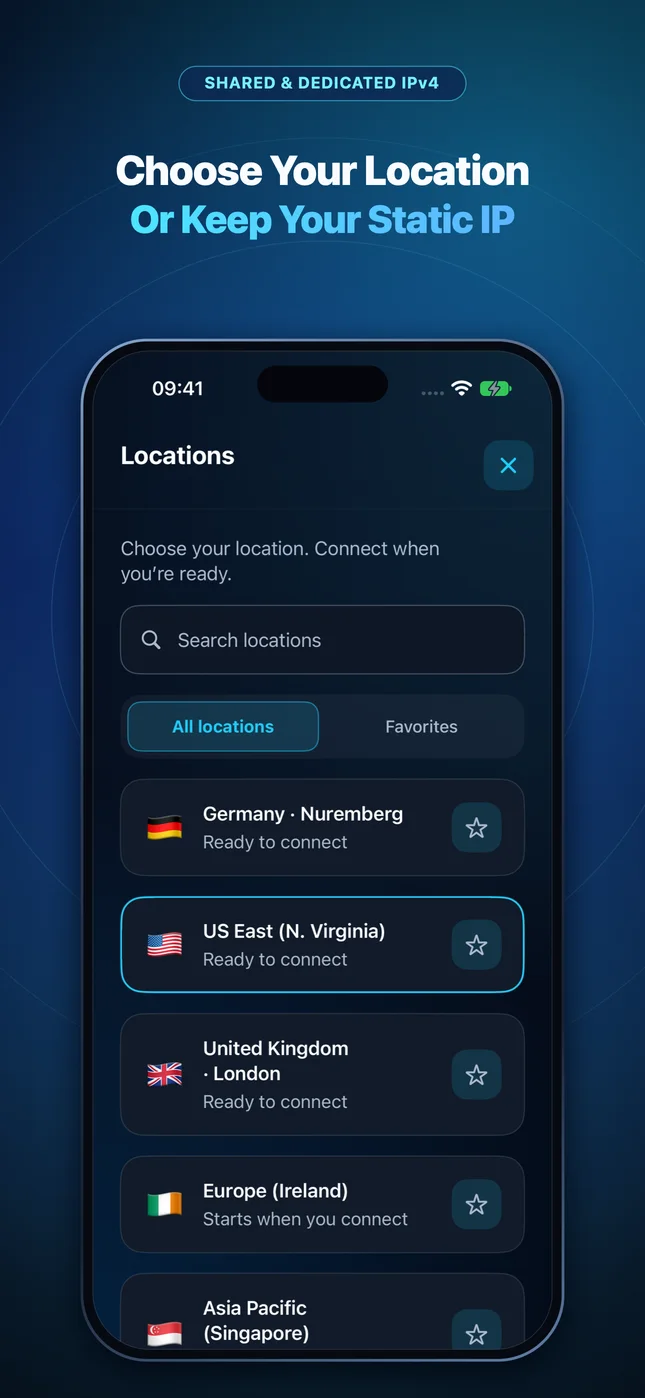
IP routing comparison: Shared gateways blend traffic behind a common address, whereas Dedicated IP binds one reserved IPv4 exclusively to your account.
Test It Yourself: Free Interactive Calculator + Native Apple App
Run your own numbers in our zero-signup Coworking Monthly vs Pack Calculator, or get Wonek VPN on iPhone, iPad & Mac from $1.99 with zero auto-renewal.
Frequently Asked Questions
Should I turn off 'AirDrop: Everyone' in public coworking spaces?
Yes—set AirDrop to 'Contacts Only' so strangers across the room cannot spam files to your Mac or iPhone.
How can I verify that my traffic is actually exiting through the VPN server?
Wonek VPN runs an encrypted post-connect check and displays the verified public IPv4 address right on the Connection screen so you never have to guess.
Related VPN, QUIC & Static IP Guides
90-Day Digital Nomad VPN Plan (Schengen, Japan, Thailand, Mexico — 2026)
Planning a 90-day remote-work stint abroad? How to size 100 GB vs 200 GB/month allowances and keep one fixed Dedicated IPv4 across 5 countries.
Travel, Public Wi-Fi & Nomad GuidesHotel Wi-Fi + VPN vs 5G Phone Tethering + VPN: Which Is Faster & Safer?
When is encrypted hotel Wi-Fi better, and when should you ditch sluggish hotel routers for 5G Personal Hotspot + Mac VPN?
Travel, Public Wi-Fi & Nomad GuidesQR-Code Menus, Fake Parking Stickers & Captive Wi-Fi Phishing Abroad
Stickers pasted over legitimate restaurant or parking-meter QR codes steal cards even over encrypted connections! Practical 2026 travel defense.
Travel, Public Wi-Fi & Nomad GuidesHow ISPs & Hotel Routers Hijack Mistyped Domains (NXDOMAIN Injection)
Ever mistype a URL on travel Wi-Fi and land on a spammy ad search page instead of a browser error? That's DNS NXDOMAIN hijacking.