 Wonek VPN
TRAVEL, PUBLIC WI-FI & NOMAD GUIDES · IPHONE, IPAD & MAC
Cruise Ship & Ferry Wi-Fi VPN Guide: Port Blocks & Data Conservation
| Location | Port Filtering | Recommended Prep |
|---|---|---|
| At Sea (Ship Wi-Fi) | UDP VPN ports often blocked | Install app ashore + use Auto TCP 443 fallback |
| In Port | Unfamiliar café/port Wi-Fi | Use Wonek 30 GB / 100 GB GO pack |
Two Essential Settings Before Leaving Port
1) Install Wonek VPN while still on shore Wi-Fi/5G (ship Wi-Fi often throttles App Store downloads!). 2) Enable Low Data Mode on the ship's SSID.
When docked in port, use shore eSIM + Wonek VPN to save expensive maritime Wi-Fi minutes.
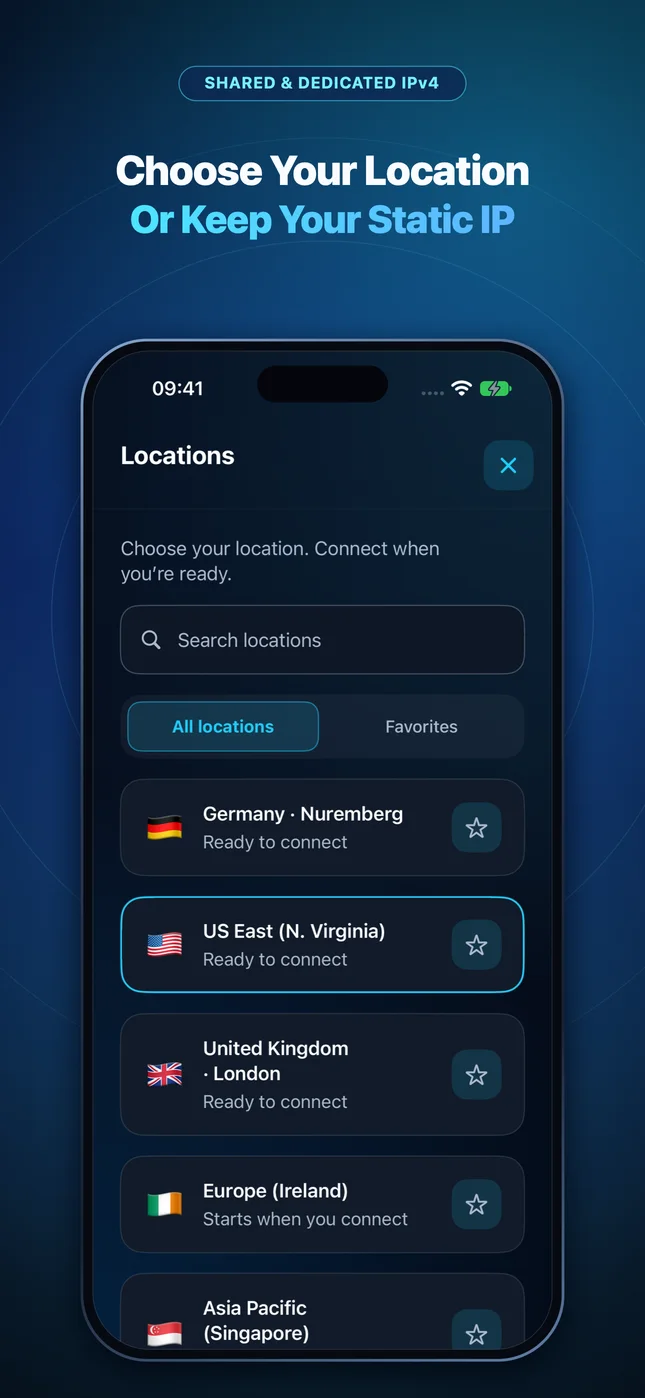
Architecture flow: Automatic transport races low-latency QUIC + L4S datagrams first and seamlessly falls back to pinned inner-TLS over TCP 443/80 on restricted Wi-Fi.
Test It Yourself: Free Interactive Calculator + Native Apple App
Run your own numbers in our zero-signup Cruise & Trip Data Calculator, or get Wonek VPN on iPhone, iPad & Mac from $1.99 with zero auto-renewal.
Frequently Asked Questions
Can Wonek VPN bypass a cruise line's paid Wi-Fi login paywall?
No—you still need a valid ship internet plan to reach the internet; Wonek VPN encrypts your traffic once connected to that plan.
How can I verify that my traffic is actually exiting through the VPN server?
Wonek VPN runs an encrypted post-connect check and displays the verified public IPv4 address right on the Connection screen so you never have to guess.
Related VPN, QUIC & Static IP Guides
Is Airbnb & Vacation Rental Wi-Fi Safe? Untrusted Consumer Routers Explained
Unlike enterprise hotels with client isolation, an Airbnb router belongs to a stranger—who controls DNS settings, router logs, and LAN devices.
Travel, Public Wi-Fi & Nomad GuidesUsing a VPN With Travel eSIMs (Airalo, Saily, Ubigi, Nomad) on iPhone
Many international roaming eSIMs route traffic through distant home-carrier gateways in Singapore, Poland, or Hong Kong! Understand eSIM + VPN.
Travel, Public Wi-Fi & Nomad GuidesSurviving Conference, Expo & Hackathon Wi-Fi With a QUIC + L4S VPN
2,000 developer laptops in one convention hall create RF airtime contention and spoofed SSIDs. Stay secure and keep SSH sessions alive.
Travel, Public Wi-Fi & Nomad GuidesHospital & Clinic Visitor Wi-Fi Blocking Your VPN? How Port 443 Helps
Healthcare guest VLANs enforce some of the strictest outbound firewall rules anywhere—blocking UDP 500, 1194, and 51820 while allowing HTTPS 443.