 Wonek VPN
APPLE IOS, IPADOS & MACOS VPN · IPHONE, IPAD & MAC
iPad Pro & Air as a Travel Laptop: eSIM + Wi-Fi VPN Setup Guide (2026)
| iPad Connectivity | When to Enable VPN | Best Wonek Tier |
|---|---|---|
| Airport / Hotel Wi-Fi | Before opening email or portals | GO 30 GB ($1.99) or 100 GB ($2.99) |
| Cloud / WordPress / DB Admin on iPad | Whenever accessing allowlisted panels | VPN + Dedicated Static IPv4 |
Sharing Your iPhone Pack or Dedicated IP on iPad Automatically
Download Wonek VPN from the iPad App Store under the same Apple Account: your remaining gigabytes or reserved Dedicated Static IPv4 appear immediately with zero extra charge.
Enable Low Data Mode on hotel Wi-Fi on iPadOS too so Photos doesn't sync 4K ProRes clips over your pack.
IP routing comparison: Shared gateways blend traffic behind a common address, whereas Dedicated IP binds one reserved IPv4 exclusively to your account.
Test It Yourself: Free Interactive Calculator + Native Apple App
Run your own numbers in our zero-signup iPad Travel Data Estimator, or get Wonek VPN on iPhone, iPad & Mac from $1.99 with zero auto-renewal.
Frequently Asked Questions
Do I pay twice to use Wonek VPN on both my iPhone and my iPad?
No—one active GO pack or subscription covers your iPhone, iPad, and Mac signed into the same App Store account.
How can I verify that my traffic is actually exiting through the VPN server?
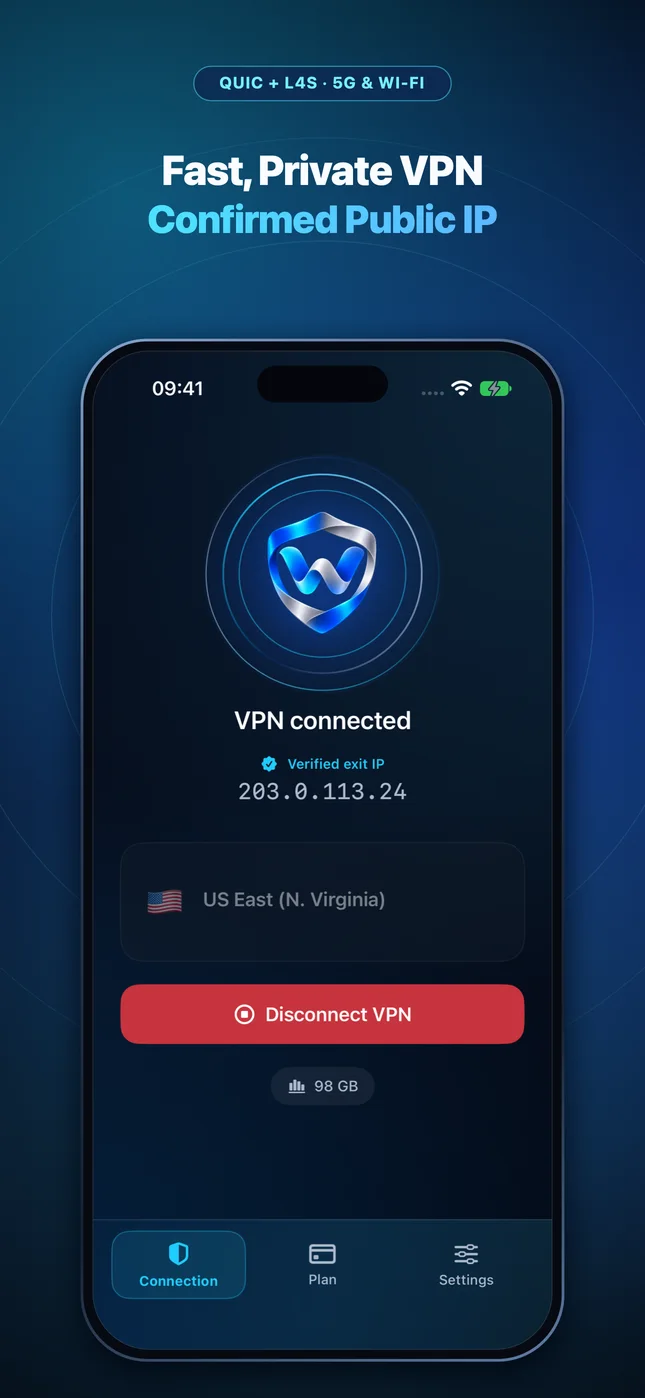
Wonek VPN runs an encrypted post-connect check and displays the verified public IPv4 address right on the Connection screen so you never have to guess.
Related VPN, QUIC & Static IP Guides
FaceTime, WhatsApp & Zoom Calls Over a VPN: Keeping Voice & Video Crisp
Real-time audio/video needs <150 ms one-way delay and <30 ms jitter. Learn how server proximity and QUIC datagrams keep calls clear.
Apple iOS, iPadOS & macOS VPNUpgrading to a New iPhone or Mac? Restore Your VPN Pack in 10 Seconds
How StoreKit 2 entitlement sync restores your remaining Wonek VPN gigabytes or Dedicated Static IPv4 after device migration.
Apple iOS, iPadOS & macOS VPNZero-Password VPN Architecture: Why Not Storing Emails Protects Users
You cannot leak an email list you never collected! How App Store cryptographic receipts eliminate password reuse & phishing risks.
Apple iOS, iPadOS & macOS VPNVPN Connects But Some Websites Hang Forever? Fix MTU & MSS Blackholes
When small pings work (`8.8.8.8`) but large HTTPS pages stall at 0%, Path MTU Discovery (PMTUD) is dropping oversized packets on CGNAT or PPPoE.