 Wonek VPN
APPLE IOS, IPADOS & MACOS VPN · IPHONE, IPAD & MAC
Corporate Zero-Trust / MDM VPN vs Personal Travel VPN on MacBooks
| Device Ownership | Recommended Setup | Why |
|---|---|---|
| Employer MDM MacBook | Use employer's required ZTNA/VPN | Avoid dual-tunnel conflicts |
| Founder / Freelancer Mac | Wonek VPN + Dedicated Static IPv4 | Clean /32 allowlisting without MDM bloat |
Don't Stack Two Competing VPN Tunnels on Work-Managed Macs
Running two full-tunnel PacketTunnel extensions simultaneously causes routing loops and violates most corporate acceptable-use policies. Keep Wonek VPN on your personal iPhone, iPad, and personal Mac—or use Wonek Dedicated IPv4 as your own small-team access standard!
For Freelancers & Founders Who Own Their Own Macs
Using a Dedicated Static IPv4 lets you connect cleanly to client staging servers without installing invasive client MDM agents on your personal MacBook Pro.
IP routing comparison: Shared gateways blend traffic behind a common address, whereas Dedicated IP binds one reserved IPv4 exclusively to your account.
Test It Yourself: Free Interactive Calculator + Native Apple App
Run your own numbers in our zero-signup Contractor /32 Allowlist Generator, or get Wonek VPN on iPhone, iPad & Mac from $1.99 with zero auto-renewal.
Frequently Asked Questions
Can a client whitelist my Wonek Dedicated IPv4 instead of making me install their corporate VPN agent?
Often yes—many engineering clients happily whitelist a contractor's `/32` Dedicated Static IPv4 on staging SSH, RDS, or WAF rules.
How can I verify that my traffic is actually exiting through the VPN server?
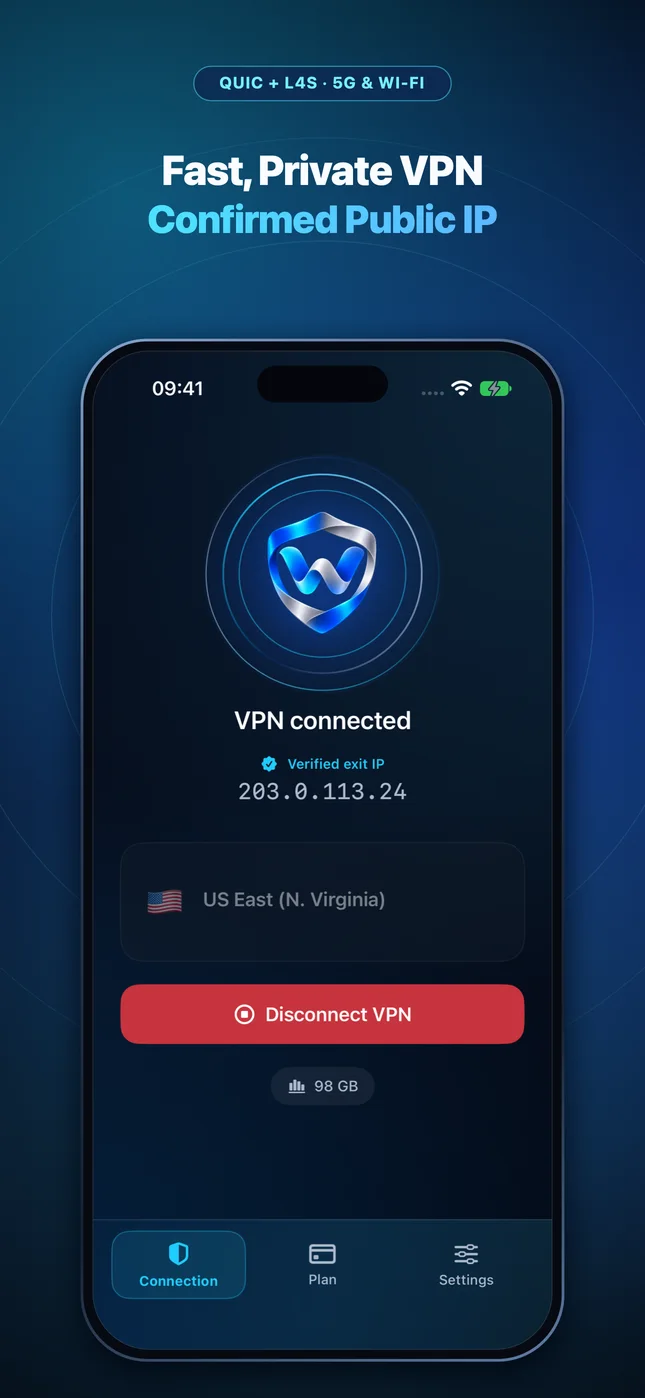
Wonek VPN runs an encrypted post-connect check and displays the verified public IPv4 address right on the Connection screen so you never have to guess.
Related VPN, QUIC & Static IP Guides
How to Lock AWS Security Groups (SSH 22 & RDS 5432) to a /32 VPN IP
Stop leaving `0.0.0.0/0` open on EC2 or staging ALBs! Bind AWS Security Group rules to your portable Wonek Dedicated Static IPv4.
Dedicated Static IPv4 & DevOpsHardening Linux SSH (`ufw` & `nftables`) With a Portable Static VPN IP
Combine Ed25519 SSH keys with `ufw allow from <IP>/32 to any port 22` so botnets never even reach your `sshd` daemon—while keeping travel access.
Dedicated Static IPv4 & DevOpsWhitelisting PostgreSQL, Supabase, PlanetScale & RDS From a Roaming Mac
Connect TablePlus, DataGrip, or `psql` securely to IP-restricted staging databases while traveling using a Dedicated Static IPv4.
Dedicated Static IPv4 & DevOpsDigitalOcean, Hetzner & GCP Cloud Firewalls for Traveling Mac Engineers
Manage cloud droplets, VMs, and VPC firewall tags from any country without logging into web consoles on untrusted networks just to add your current IP.