 Wonek VPN
DEDICATED STATIC IPV4 & DEVOPS · IPHONE, IPAD & MAC
Accessing Stripe, App Store Connect & Merchant Dashboards While Traveling
| Scenario | Risk Signal | Safer Founder Routine |
|---|---|---|
| Airport open Wi-Fi in new country | Unencrypted LAN + unfamiliar IP | Connect Dedicated IPv4 in home region |
| Crowded free VPN server | Shared abuse reputation | Unshared `/32` Dedicated IPv4 |
Consistent Home-Region Dedicated IPv4
Reserve your Wonek Dedicated Static IPv4 in your company's primary operating region before your trip and use it consistently whenever signing into billing, tax, or treasury dashboards on public Wi-Fi.
Always pair this with hardware/passkey 2FA and travel notifications where offered.
IP routing comparison: Shared gateways blend traffic behind a common address, whereas Dedicated IP binds one reserved IPv4 exclusively to your account.
Test It Yourself: Free Interactive Calculator + Native Apple App
Run your own numbers in our zero-signup Founder Travel VPN Planner, or get Wonek VPN on iPhone, iPad & Mac from $1.99 with zero auto-renewal.
Frequently Asked Questions
Should I test my Dedicated IPv4 with my dashboards at home before flying?
Yes—sign in two or three times from home over your new Dedicated IPv4 before your trip so your account history already recognizes that address.
How can I verify that my traffic is actually exiting through the VPN server?
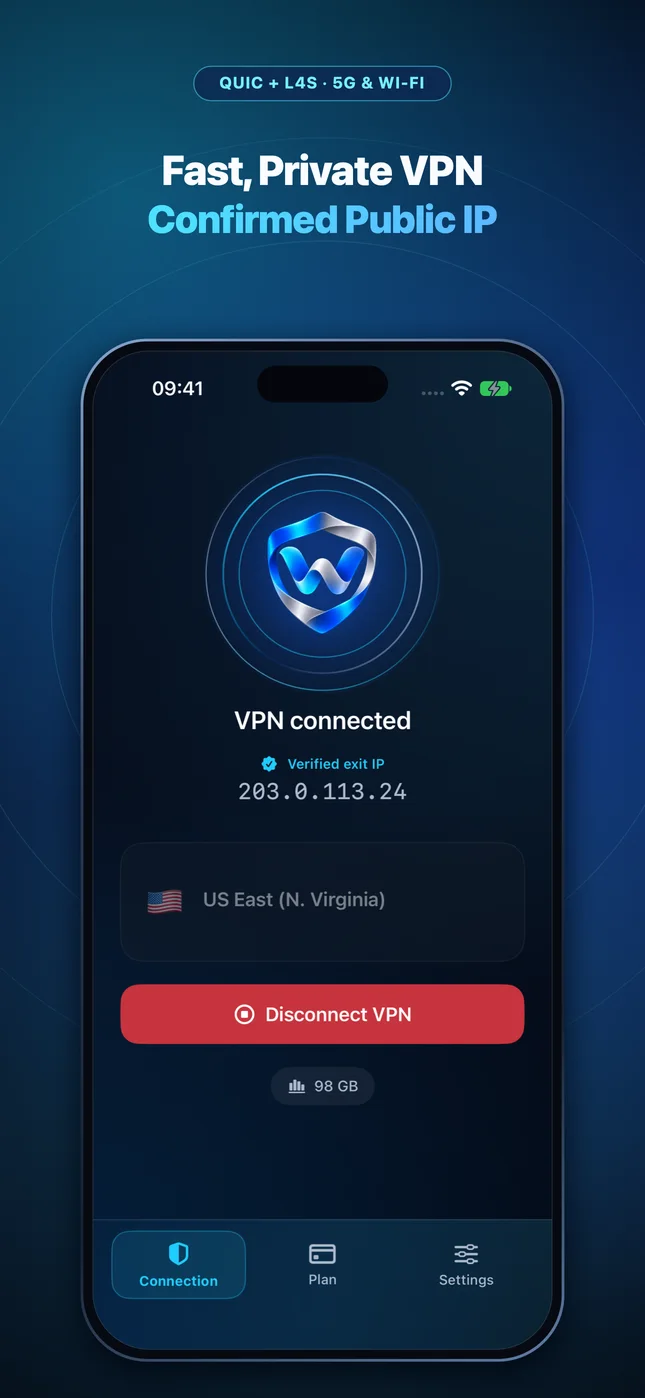
Wonek VPN runs an encrypted post-connect check and displays the verified public IPv4 address right on the Connection screen so you never have to guess.
Related VPN, QUIC & Static IP Guides
Testing IP-Whitelisted Partner APIs (Banking, Travel, Telecom) on Mac
Enterprise B2B APIs (fintech, GDS travel, healthcare EDI, payment gateways) often whitelist max 1–2 static IPs for sandbox & debug calls.
Dedicated Static IPv4 & DevOpsGKE, EKS & AKS `kubectl` Authorized Networks From a Roaming MacBook
Lock your managed Kubernetes API server (`6443`) to `masterAuthorizedNetworks` CIDR blocks including your `/32` Dedicated Static IPv4.
Dedicated Static IPv4 & DevOpsRetiring Idle $15/mo SSH Jump Boxes With a Dedicated Static IPv4 VPN
Every bastion VM you run is another Linux kernel, OpenSSH daemon, and disk volume you have to patch every month.
Dedicated Static IPv4 & DevOpsRunning Offsite `rsync`, Borg & SFTP Backups Over a Static IPv4 VPN
Lock your remote backup storage box (Hetzner Storage Box, rsync.net, remote NAS) to accept SSH/SFTP only from your `/32` IPv4.