 Wonek VPN
DEDICATED STATIC IPv4 · UPDATED 2026-11-16
Grafana & Internal Monitoring Dashboards: Annual €199.99 Plan (12 × 200 GB Windows)
| Security Control | Open 0.0.0.0/0 or Shared VPN IP | Wonek Dedicated Static IPv4 (/32) |
|---|---|---|
| Firewall Rule Scope | Cannot lock keeping observability portals invisible to internet scanners to one IP | Exact `<YOUR_IP>/32` single-host rule |
| Travel & Roaming Continuity | Home ISP / hotel IP changes break access | Saving ~16.6% annually while refreshing 200 gb every 30 days |
| Neighbor Reputation Noise | Shared NAT carries other users' traffic | Zero other accounts share your IPv4 |
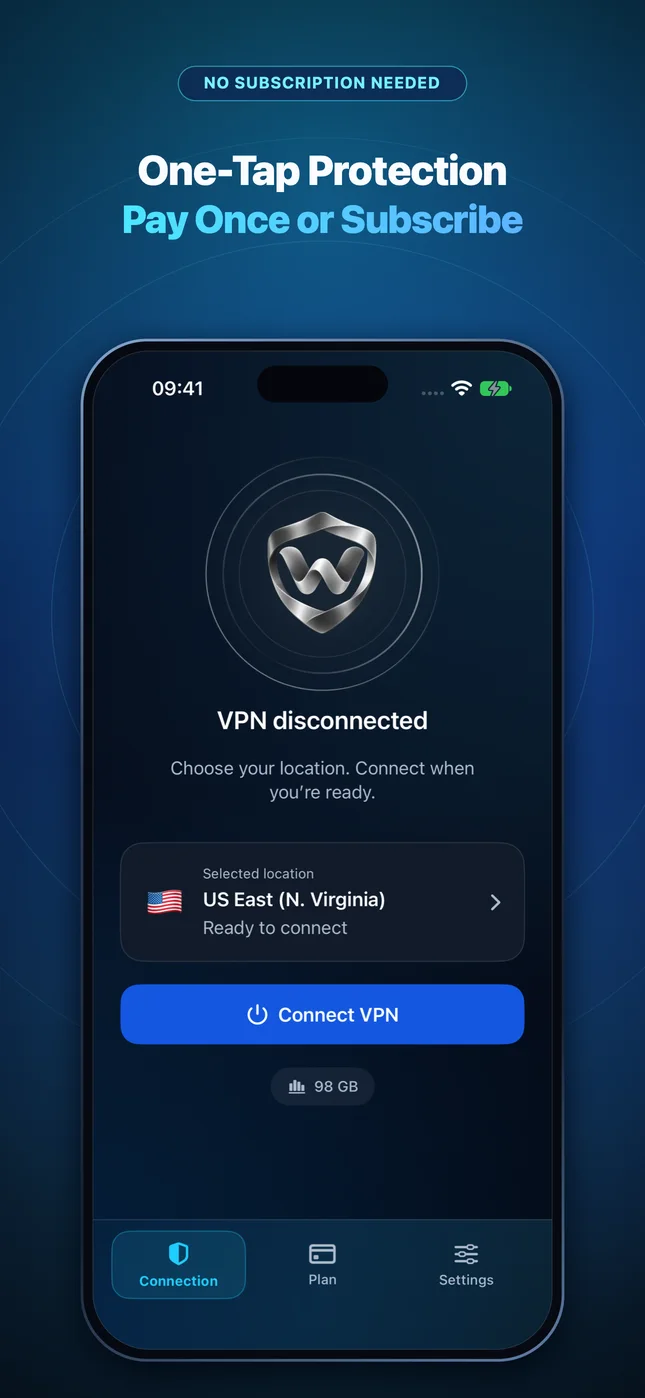
| Exit Verification | Manual external lookup required | Confirmed automatically on Connection screen |
Locking down Grafana & Internal Monitoring Dashboards with a portable /32 address
Administrators managing keeping observability portals invisible to internet scanners face a recurring dilemma: home fiber and mobile 5G carriers rotate dynamic IPv4 addresses or place users behind CGNAT, while ordinary shared VPN servers rotate addresses across hundreds of strangers. Leaving ports open to `0.0.0.0/0` exposes login endpoints to nonstop automated internet scanning.
Wonek VPN Dedicated IP solves this by reserving one exclusive static IPv4 address on validated DigitalOcean infrastructure (saving ~16.6% annually while refreshing 200 GB every 30 days). Whenever you connect from your MacBook, iPad, or iPhone, your outbound traffic exits from that exact `/32` address.
Safe deployment workflow & 72-hour retention grace
Before removing existing emergency access rules, connect Wonek VPN, check the verified public IPv4 address displayed on the Connection screen, and test a parallel session in a second terminal or browser window. Always specify `/32` (`255.255.255.255`) rather than `/24` so adjacent cloud VMs in the same datacenter subnet are never allowlisted.
Your reserved IPv4 remains bound to your account throughout active paid access — even while your server is idle — plus a 72-hour grace window after expiry so a brief App Store billing retry never breaks your production allowlists. Remember that a Dedicated IP is a cloud datacenter IPv4 (not a residential ISP line) and should always be paired with strong SSH keys, TLS, and MFA.
IP routing comparison: Shared gateways blend traffic behind a common address, whereas Dedicated IP binds one reserved IPv4 exclusively to your account.
Actionable Verification Checklist
Get Wonek VPN for iPhone, iPad & Mac
Start with a $1.99 one-time 30 GB pack or $2.99 100 GB pack (zero auto-renewal), or choose Standard, On-Demand, or Dedicated Static IPv4.
Frequently Asked Questions
Is the Dedicated IPv4 shared with any other Wonek VPN user?
No. Your reserved IPv4 address is assigned exclusively to your account while your subscription is active.
Can my MacBook and iPhone use my Dedicated IP at the same time?
Yes. Devices linked through your App Store account receive independent tunnel sessions exiting through your same reserved IPv4 address, sharing the 200 GB per 30-day quota.
How do annual Dedicated IP quotas reset?
Annual Dedicated IP plans (€199.99/yr) grant 200 decimal GB in each of twelve 30-day quota windows across the year, with zero automatic overage fees.
What if hotel Wi-Fi blocks UDP while I need my Dedicated IP?
Automatic transport seamlessly falls back to encrypted TCP 443/80 to the same dedicated gateway, preserving your exact static exit IPv4.
Related Guides in Dedicated Static IPv4 & /32 Firewall Allowlist Guides
Grafana & Internal Monitoring Dashboards: 72-Hour Post-Expiry IP Retention Safeguard
Configure grafana & internal monitoring dashboards with 72-hour post-expiry ip retention safeguard: keeping observability portals invisible to internet scanners
DEDICATED STATIC IPv4Grafana & Internal Monitoring Dashboards: Simultaneous MacBook + iPhone on One Static IP
Configure grafana & internal monitoring dashboards with simultaneous macbook + iphone on one static ip: keeping observability portals invisible to internet scan
DEDICATED STATIC IPv4Grafana & Internal Monitoring Dashboards: Emergency Admin Over Restricted Hotel Wi-Fi
Configure grafana & internal monitoring dashboards with emergency admin over restricted hotel wi-fi: keeping observability portals invisible to internet scanner
DEDICATED STATIC IPv4Grafana & Internal Monitoring Dashboards: Understanding Cloud Datacenter IPv4 Scope
Configure grafana & internal monitoring dashboards with understanding cloud datacenter ipv4 scope: keeping observability portals invisible to internet scanners
DEDICATED STATIC IPv4Grafana & Internal Monitoring Dashboards: Balancing Static IP Predictability & Everyday Privacy
Configure grafana & internal monitoring dashboards with balancing static ip predictability & everyday privacy: keeping observability portals invisible to intern
DEDICATED STATIC IPv4S3 Bucket Policies & SFTP Partner Transfers: Pairing /32 Static IPv4 With SSH Keys & WebAuthn
Configure s3 bucket policies & sftp partner transfers with pairing /32 static ipv4 with ssh keys & webauthn: using `aws:SourceIp` conditions with your verified
Explore Tools & Companion Silos
Pack vs Subscription Calculator
Interactive 90-day cost calculator comparing $1.99/$2.99 one-time packs vs monthly plans.
RELATED HUBDedicated IPv4 /32 Allowlist Generator
Generate UFW, AWS CLI, Nginx, and PostgreSQL firewall rules in one click.
RELATED HUBQUIC vs TCP Latency Simulator
Simulate head-of-line blocking under packet loss on hotel and cellular Wi-Fi.