 Wonek VPN
APPLE IOS, IPADOS & MACOS VPN · IPHONE, IPAD & MAC
Using AirDrop, AirPlay, Universal Control & Printers While on a VPN
| Apple Feature | Transport Used | Works With VPN Active? |
|---|---|---|
| AirDrop & Handoff | Bluetooth + AWDL peer-to-peer | Yes |
| AirPods & Apple Watch | Bluetooth | Yes |
| Remote Home NAS from Hotel | Internet WAN | Yes — lock NAS firewall to Dedicated IPv4 |
Good News: AirDrop & Continuity Use Peer-to-Peer AWDL
AirDrop, Universal Control, and Apple Watch unlock use Bluetooth LE discovery + Apple Wireless Direct Link (`awdl0`), so transferring photos between your iPhone and Mac works right alongside an active VPN.
Network Printers (`192.168.x.x`) vs Remote NAS Access
Local Bonjour/mDNS printers sit on your local subnet, whereas reaching your home Synology NAS or Home Assistant from a hotel requires remote routing (where a Dedicated Static IPv4 allowlist shines).
IP routing comparison: Shared gateways blend traffic behind a common address, whereas Dedicated IP binds one reserved IPv4 exclusively to your account.
Test It Yourself: Free Interactive Calculator + Native Apple App
Run your own numbers in our zero-signup Home Lab /32 Allowlist Tool, or get Wonek VPN on iPhone, iPad & Mac from $1.99 with zero auto-renewal.
Frequently Asked Questions
Will turning on Wonek VPN disconnect my AirPods or AirDrop?
Never—Bluetooth and Apple's peer-to-peer AirDrop (`awdl0`) continue working normally.
How can I verify that my traffic is actually exiting through the VPN server?
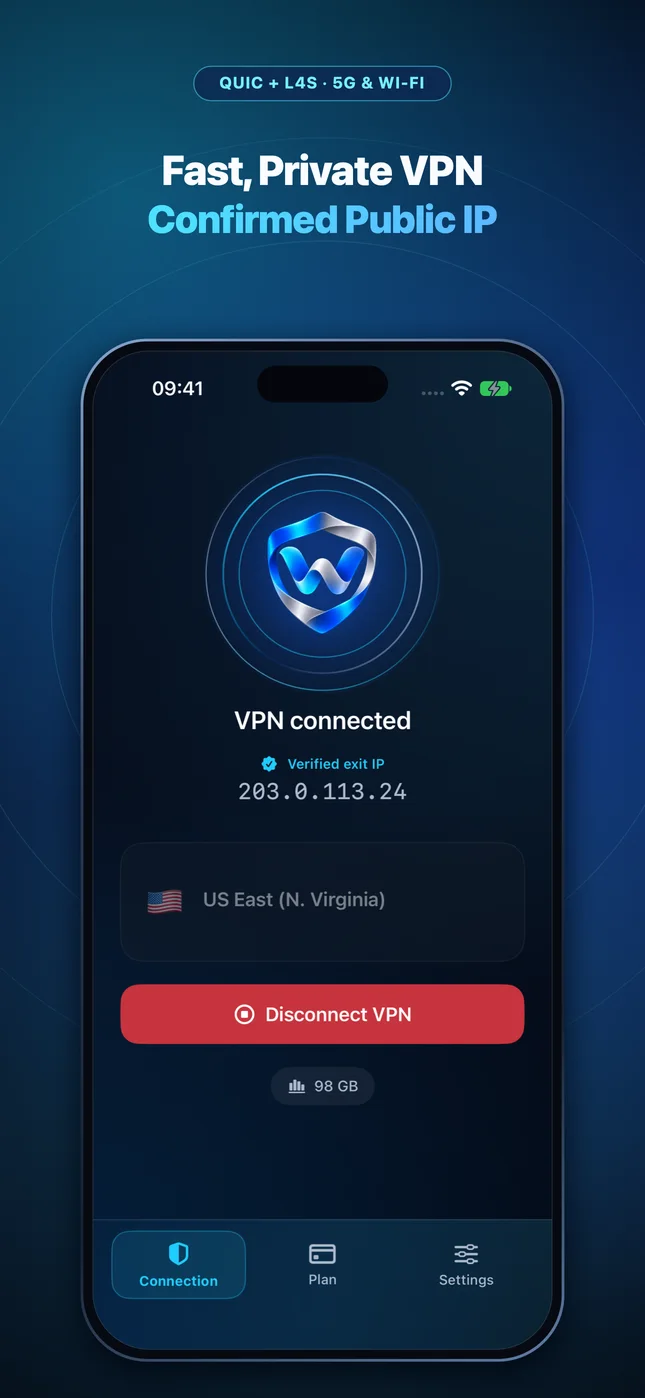
Wonek VPN runs an encrypted post-connect check and displays the verified public IPv4 address right on the Connection screen so you never have to guess.
Related VPN, QUIC & Static IP Guides
DNS Privacy on iPhone & Mac: VPN Tunnel DNS vs Encrypted DoH Profiles
Stop ISP and hotel router DNS snooping & hijacking: how `NEDNSSettings` inside a VPN interacts with iOS custom DNS profiles.
Apple iOS, iPadOS & macOS VPNWebRTC IP Leak Myths vs Reality on Safari, Chrome & iPhone (2026)
Does WebRTC leak your real IP through a system VPN on iPhone or Mac? Understand browser extensions vs full OS PacketTunnel routing.
Apple iOS, iPadOS & macOS VPNIPv6 Networks (5G & Fiber) With an IPv4 VPN Tunnel on iPhone & Mac
Mobile carriers (T-Mobile, Jio, Telekom) run IPv6-mostly networks with NAT64/CLAT. Here is how IPv4 VPN tunnels behave cleanly on dual-stack links.
Apple iOS, iPadOS & macOS VPNHotel or Airport Wi-Fi Login Page Not Opening on iPhone or Mac? 4 Fixes
Stuck on a blank Wi-Fi splash screen at Marriott, Hilton, Starbucks, or an airport? Follow this 30-second sequence before turning your VPN back on.