 Wonek VPN
APPLE IOS, IPADOS & MACOS VPN · IPHONE, IPAD & MAC
IPv6 Networks (5G & Fiber) With an IPv4 VPN Tunnel on iPhone & Mac
| Carrier Link | Typical Path MTU | Recommended Tunnel MTU |
|---|---|---|
| Home Ethernet / Fiber | 1500 bytes | 1380–1420 bytes |
| 5G Roaming / NAT64 / PPPoE | 1280–1440 bytes | 1280–1360 bytes |
Outer Carrier Path vs Inner Verified Exit IPv4
Wonek VPN establishes its outer QUIC or TLS session seamlessly over Dual-Stack / NAT64 mobile networks and verifies your public IPv4 exit address once connected.
Why MTU Headroom Matters on NAT64 5G
NAT64 adds 20 bytes of IPv4-to-IPv6 header translation overhead, making conservative tunnel MTU sizing essential so large TLS handshakes never stall on mobile data.
Architecture flow: Automatic transport races low-latency QUIC + L4S datagrams first and seamlessly falls back to pinned inner-TLS over TCP 443/80 on restricted Wi-Fi.
Test It Yourself: Free Interactive Calculator + Native Apple App
Run your own numbers in our zero-signup VPN MTU & MSS Calculator, or get Wonek VPN on iPhone, iPad & Mac from $1.99 with zero auto-renewal.
Frequently Asked Questions
How can I calculate the exact safe MTU for PPPoE or 5G roaming?
Open our free VPN MTU & MSS Calculator at /tools/vpn-mtu-overhead-calculator/ and pick your carrier encapsulation type.
How can I verify that my traffic is actually exiting through the VPN server?
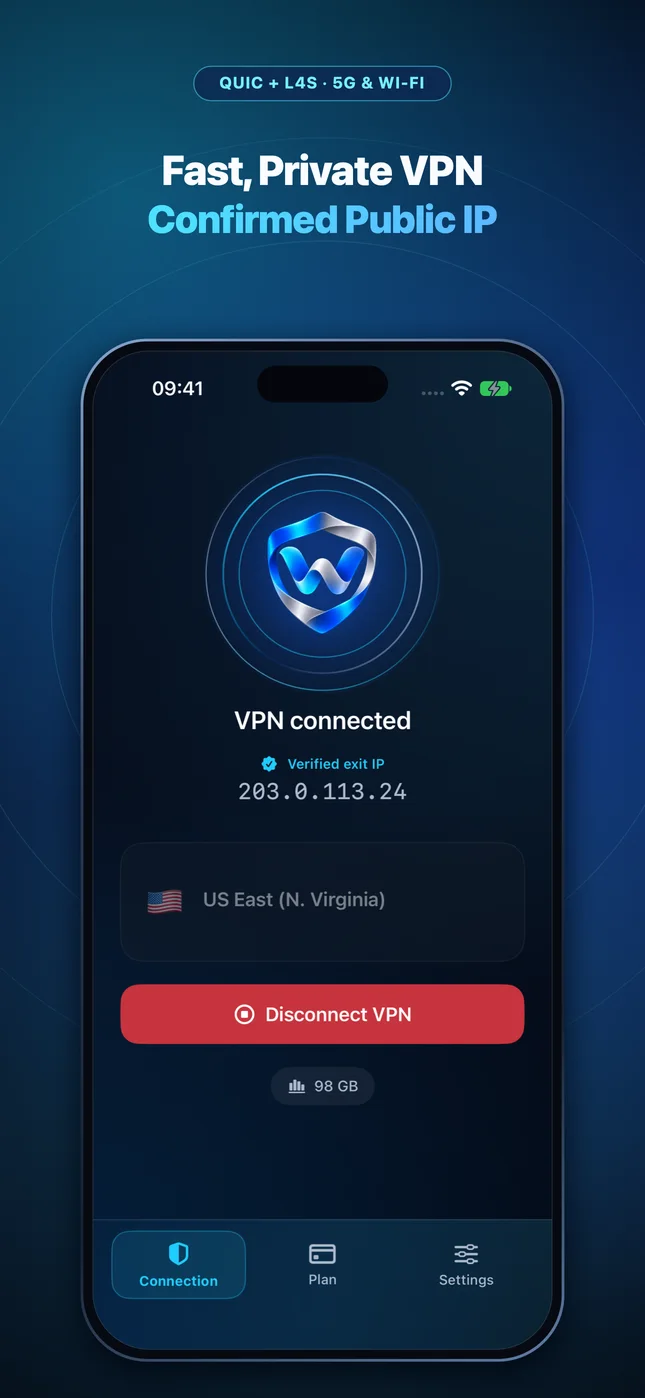
Wonek VPN runs an encrypted post-connect check and displays the verified public IPv4 address right on the Connection screen so you never have to guess.
Related VPN, QUIC & Static IP Guides
Hotel or Airport Wi-Fi Login Page Not Opening on iPhone or Mac? 4 Fixes
Stuck on a blank Wi-Fi splash screen at Marriott, Hilton, Starbucks, or an airport? Follow this 30-second sequence before turning your VPN back on.
Apple iOS, iPadOS & macOS VPNSave 70% of Travel VPN Data on iPhone & Mac With iOS Low Data Mode
One toggle in Wi-Fi Settings stops iCloud Photos, App Store auto-updates, and 4K preloads from burning 20 GB of your travel VPN pack overnight!
Apple iOS, iPadOS & macOS VPNHow to Verify Your Real Public Exit IPv4 on iPhone, iPad & Mac
Don't trust a green 'Connected' icon blindly: how split routes, iCloud Private Relay, or browser proxies affect the IP websites actually see.
Apple iOS, iPadOS & macOS VPNHow Much Battery Does a VPN Use on iPhone 16/17 & Apple Silicon Mac?
Hardware AES/ChaCha20 acceleration makes modern encryption cheap—what actually drains battery is constant reconnect loops or chatty background apps.