 Wonek VPN
TRAVEL, PUBLIC WI-FI & NOMAD GUIDES · IPHONE, IPAD & MAC
In-Flight Airplane Wi-Fi (Starlink, Viasat, Intelsat) & VPNs in 2026
| Cabin System | Typical Satellite RTT | Why Wonek Automatic Helps |
|---|---|---|
| Starlink Aviation (LEO) | 40–95 ms | Fast QUIC datagrams shine |
| Legacy GEO Satellite | 500–700 ms + UDP blocks | Auto TCP 443/80 fallback bypasses UDP blocks |
Complete the Airline Captive Portal First—Then Let Automatic Fallback Work
Activate your in-flight Wi-Fi pass in Safari first (keep `goinflight` / portal tabs open if required), then tap Connect in Wonek VPN.
If the cabin firewall blocks UDP 443, Wonek VPN's automatic WSS:443 / TLS:80 fallback connects cleanly over standard HTTPS/HTTP ports.
Architecture flow: Automatic transport races low-latency QUIC + L4S datagrams first and seamlessly falls back to pinned inner-TLS over TCP 443/80 on restricted Wi-Fi.
Test It Yourself: Free Interactive Calculator + Native Apple App
Run your own numbers in our zero-signup High-RTT Satellite Latency Simulator, or get Wonek VPN on iPhone, iPad & Mac from $1.99 with zero auto-renewal.
Frequently Asked Questions
Remember to turn on Low Data Mode before connecting to in-flight Wi-Fi!
Yes—toggling Low Data Mode on the plane's SSID keeps iCloud backups from saturating narrow cabin bandwidth and eating your VPN pack.
How can I verify that my traffic is actually exiting through the VPN server?
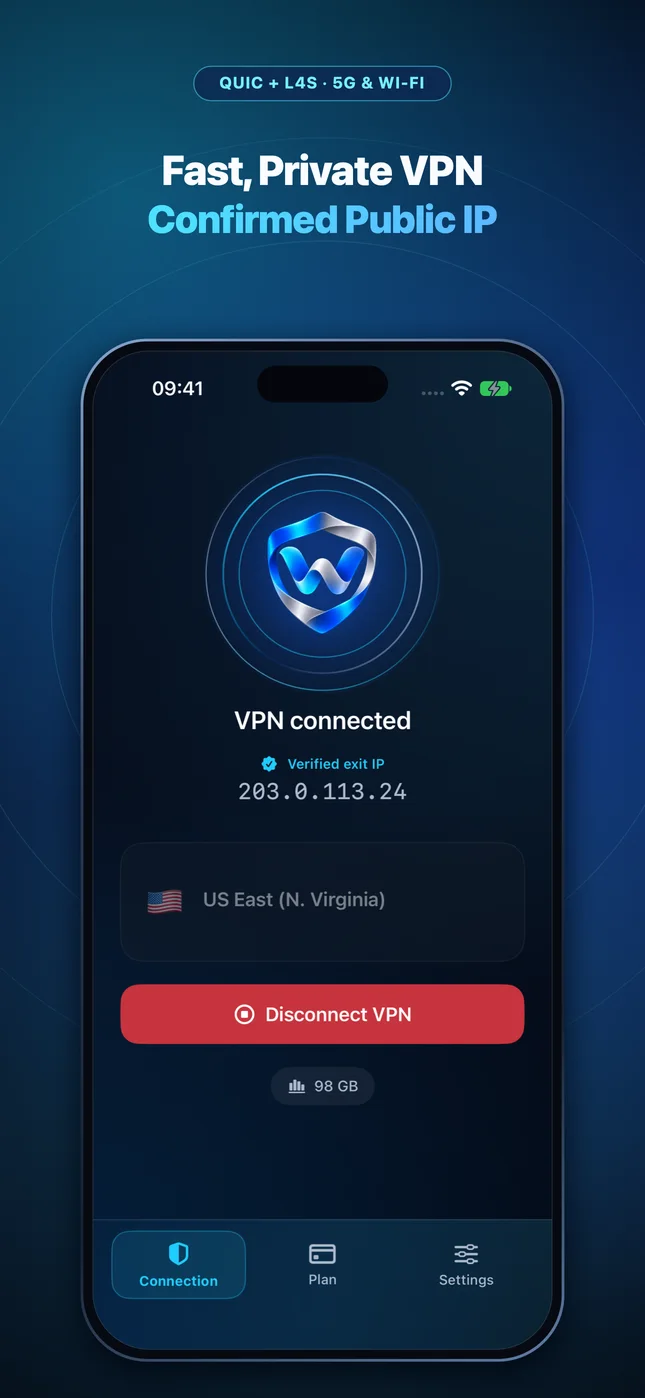
Wonek VPN runs an encrypted post-connect check and displays the verified public IPv4 address right on the Connection screen so you never have to guess.
Related VPN, QUIC & Static IP Guides
Train Wi-Fi VPN Guide (Eurostar, TGV, ICE, Shinkansen & Amtrak — 2026)
Moving at 300 km/h across cell towers causes 2–5% packet loss and tunnels! Why QUIC datagrams beat OpenVPN TCP on trains.
Travel, Public Wi-Fi & Nomad GuidesCruise Ship & Ferry Wi-Fi VPN Guide: Port Blocks & Data Conservation
Cruise Wi-Fi packages often block legacy IPsec/WireGuard ports and meter bandwidth tightly. How port-443 fallback + Low Data Mode help.
Travel, Public Wi-Fi & Nomad GuidesIs Airbnb & Vacation Rental Wi-Fi Safe? Untrusted Consumer Routers Explained
Unlike enterprise hotels with client isolation, an Airbnb router belongs to a stranger—who controls DNS settings, router logs, and LAN devices.
Travel, Public Wi-Fi & Nomad GuidesUsing a VPN With Travel eSIMs (Airalo, Saily, Ubigi, Nomad) on iPhone
Many international roaming eSIMs route traffic through distant home-carrier gateways in Singapore, Poland, or Hong Kong! Understand eSIM + VPN.