 Wonek VPN
APPLE IOS, IPADOS & MACOS VPN · IPHONE, IPAD & MAC
Why Banks & Work Apps Block Shared VPNs (and When Dedicated IPv4 Works)
| Habit Abroad | Fraud-Engine Reaction | Better Practice |
|---|---|---|
| Raw unencrypted café Wi-Fi | Foreign ISP + local hotspot risk | Use encrypted tunnel to home region |
| Random shared VPN country hops | Impossible-travel security lockouts | Stick to one consistent Dedicated IPv4 |
Pick One Consistent Home-Country Region—or Dedicated Static IPv4
When accessing financial or tax portals from foreign hotel Wi-Fi, connect consistently to a gateway in your home country—better yet, use your own reserved Dedicated Static IPv4 so you arrive from the exact same unshared address on every trip.
Never bounce across four different countries within ten minutes while signed into sensitive accounts.
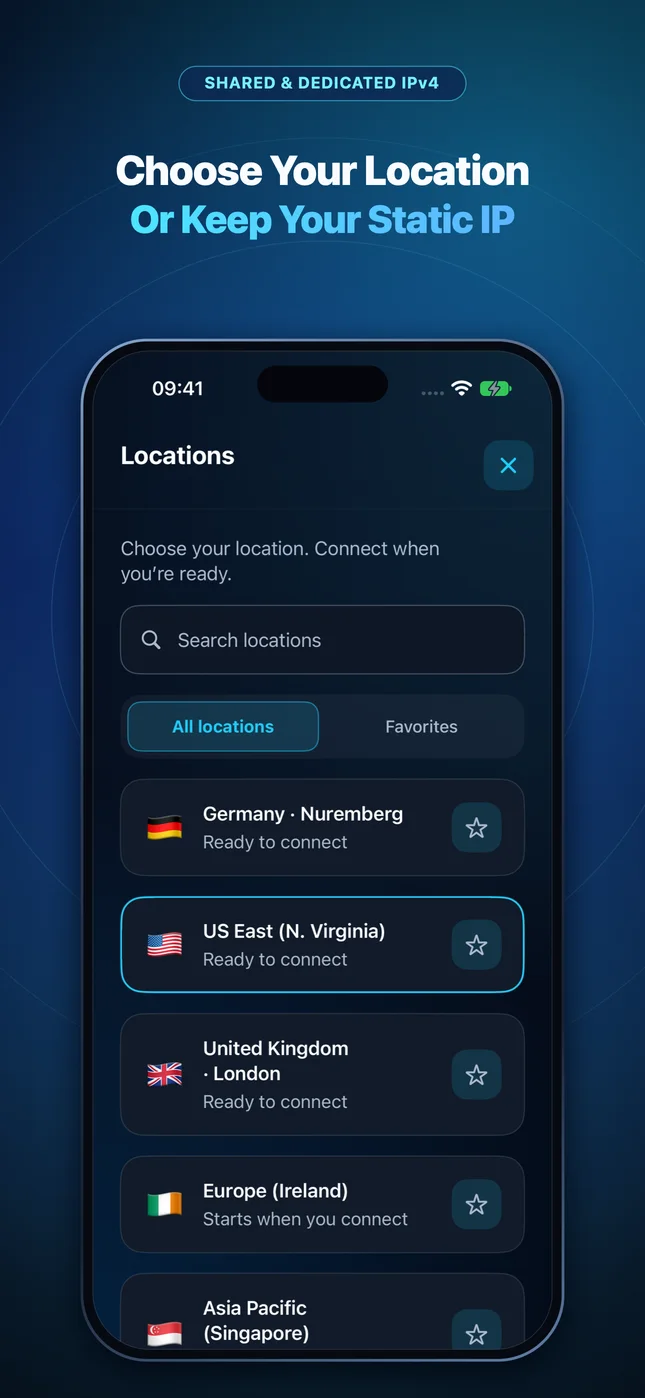
IP routing comparison: Shared gateways blend traffic behind a common address, whereas Dedicated IP binds one reserved IPv4 exclusively to your account.
Test It Yourself: Free Interactive Calculator + Native Apple App
Run your own numbers in our zero-signup Dedicated IPv4 Tools, or get Wonek VPN on iPhone, iPad & Mac from $1.99 with zero auto-renewal.
Frequently Asked Questions
Will every single bank accept every cloud Dedicated IP?
No provider can promise third-party acceptance everywhere (as our articles note plainly, Dedicated IPv4 is a clean single-tenant cloud IP, not a residential line), though consistency avoids shared-pool abuse flags.
How can I verify that my traffic is actually exiting through the VPN server?
Wonek VPN runs an encrypted post-connect check and displays the verified public IPv4 address right on the Connection screen so you never have to guess.
Related VPN, QUIC & Static IP Guides
Corporate Zero-Trust / MDM VPN vs Personal Travel VPN on MacBooks
Should you install a personal VPN on an employer-managed MacBook running CrowdStrike, Zscaler, or Cisco AnyConnect? Clear IT boundaries.
Dedicated Static IPv4 & DevOpsHow to Lock AWS Security Groups (SSH 22 & RDS 5432) to a /32 VPN IP
Stop leaving `0.0.0.0/0` open on EC2 or staging ALBs! Bind AWS Security Group rules to your portable Wonek Dedicated Static IPv4.
Dedicated Static IPv4 & DevOpsHardening Linux SSH (`ufw` & `nftables`) With a Portable Static VPN IP
Combine Ed25519 SSH keys with `ufw allow from <IP>/32 to any port 22` so botnets never even reach your `sshd` daemon—while keeping travel access.
Dedicated Static IPv4 & DevOpsWhitelisting PostgreSQL, Supabase, PlanetScale & RDS From a Roaming Mac
Connect TablePlus, DataGrip, or `psql` securely to IP-restricted staging databases while traveling using a Dedicated Static IPv4.