 Wonek VPN
APPLE IOS, IPADOS & MACOS VPN · IPHONE, IPAD & MAC
Why iPhone VPNs Reconnect When Waking From Sleep or Leaving Wi-Fi
| Event | Why Path Resets | Best Practice |
|---|---|---|
| Walking out of hotel | Wi-Fi -> 5G IP change | Let auto-reconnect settle 1s |
| Weak 1-bar lobby Wi-Fi | Rapid Wi-Fi/cellular flapping | Use steady 5G until in room |
Normal iOS Radio Sleep vs Tunnel Drops
Upon waking with Face ID, your iPhone re-associates Wi-Fi or shifts to 5G in ~300–900 ms. A well-built NetworkExtension detects the `NWPathMonitor` network change and re-establishes or migrates the session automatically.
Keep in mind Wonek VPN's honest engineering note: automatic reconnection across network changes is fast and convenient, not a mathematical guarantee that zero OS packets ever touch the new interface during transition.
Stopping Unwanted Mid-Call Wi-Fi Flapping
If weak hotel lobby Wi-Fi keeps bouncing between 1 bar and 5G every 20 seconds, toggle Wi-Fi off in Settings while walking through the lobby so 5G holds one steady path.
Re-enable Wi-Fi once seated in your room with strong signal.
Architecture flow: Automatic transport races low-latency QUIC + L4S datagrams first and seamlessly falls back to pinned inner-TLS over TCP 443/80 on restricted Wi-Fi.
Test It Yourself: Free Interactive Calculator + Native Apple App
Run your own numbers in our zero-signup Mobile & Roaming VPN Tools, or get Wonek VPN on iPhone, iPad & Mac from $1.99 with zero auto-renewal.
Frequently Asked Questions
Should I disable Wi-Fi Assist if hotel Wi-Fi keeps flapping?
Turning off Wi-Fi entirely on unusably weak 1-bar hotspots (or disabling Wi-Fi Assist in Cellular settings) stops constant dual-radio switching.
How can I verify that my traffic is actually exiting through the VPN server?
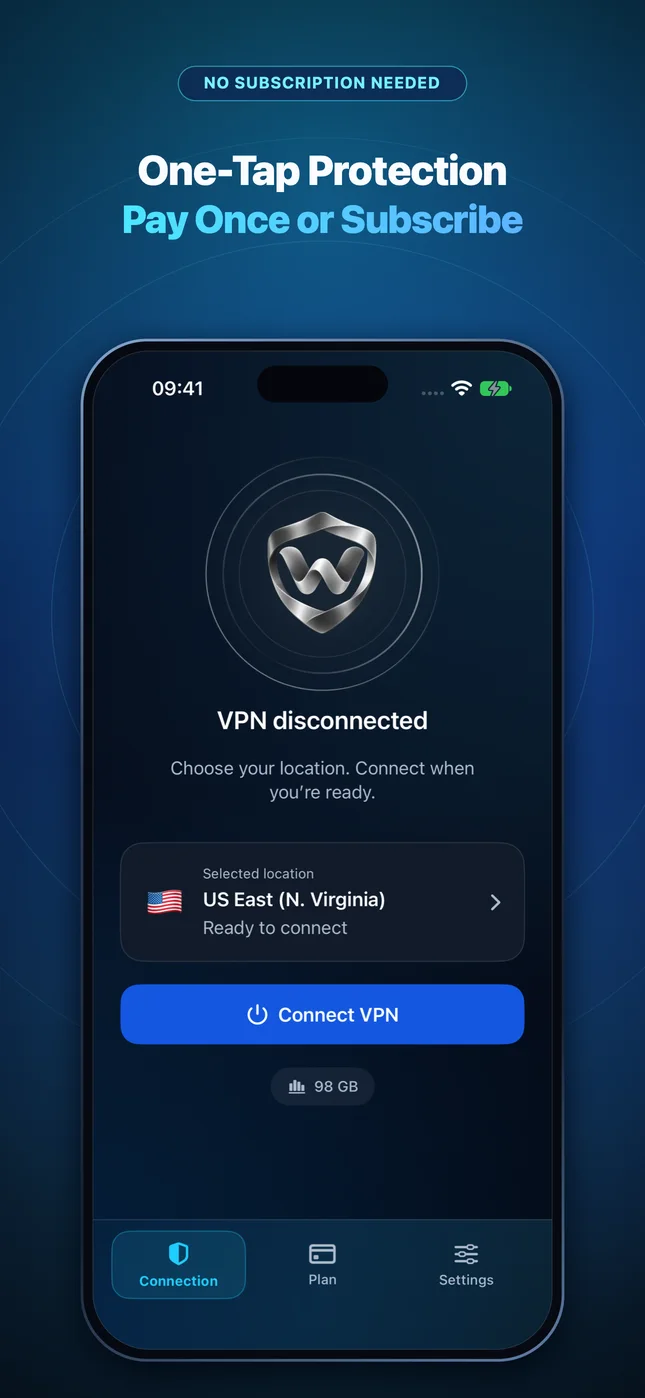
Wonek VPN runs an encrypted post-connect check and displays the verified public IPv4 address right on the Connection screen so you never have to guess.
Related VPN, QUIC & Static IP Guides
Why Wireless CarPlay & iPhone Personal Hotspot Clash With VPNs (Fix)
Wireless CarPlay uses local Wi-Fi Direct between your iPhone and car head unit—learn why aggressive LAN-blocking VPNs break CarPlay & tethering.
Apple iOS, iPadOS & macOS VPNUsing AirDrop, AirPlay, Universal Control & Printers While on a VPN
How Apple Continuity (peer-to-peer AWDL) works alongside a VPN, and when LAN subnet devices like printers or NAS boxes need local reachability.
Apple iOS, iPadOS & macOS VPNDNS Privacy on iPhone & Mac: VPN Tunnel DNS vs Encrypted DoH Profiles
Stop ISP and hotel router DNS snooping & hijacking: how `NEDNSSettings` inside a VPN interacts with iOS custom DNS profiles.
Apple iOS, iPadOS & macOS VPNWebRTC IP Leak Myths vs Reality on Safari, Chrome & iPhone (2026)
Does WebRTC leak your real IP through a system VPN on iPhone or Mac? Understand browser extensions vs full OS PacketTunnel routing.