 Wonek VPN
2026 VPN COMPARISONS & PRICING · IPHONE, IPAD & MAC
Is 100 GB or 200 GB/Month Enough for Full-Time Remote Work on Mac?
| Daily Activity | Approx. Data Rate | 20-Workday Monthly Total |
|---|---|---|
| SSH, Git, Slack, Web Docs (8h/d) | ~100 MB/hr | ~16 GB / month |
| Daily 45-min Video Standup | ~700 MB/day | ~14 GB / month |
| 1080p Streaming (1h/day) | ~2.8 GB/hr | ~56 GB / month |
Real Remote-Work Bandwidth Measurements
8 hours of SSH, Git pulls, Slack, Notion, Linear, and documentation browsing uses under 0.8 GB per workday (~18 GB/month!). Adding 60 minutes of daily Zoom/Meet video calls adds ~20 GB/month—still well inside 100 GB.
What eats 150+ GB without warning? macOS App Store Xcode 16 GB updates, Docker base-image pulls, and 4K YouTube streams left playing in background tabs.
Picking Between Standard (100 GB) and On Demand / Dedicated IP (200 GB)
Standard ($4.99/mo, 100 GB) easily covers normal hybrid remote work; step up to VPN on Demand or Dedicated IP (200 GB/30-day window) when you run daily video calls plus cloud builds.
Check your exact mix in 10 seconds with our interactive calculator.
Billing model comparison: Choose a non-renewing data pack for trips and occasional hotspot security, or a recurring plan for daily use and reserved capacity.
Test It Yourself: Free Interactive Calculator + Native Apple App
Run your own numbers in our zero-signup Remote Work & Travel GB Calculator, or get Wonek VPN on iPhone, iPad & Mac from $1.99 with zero auto-renewal.
Frequently Asked Questions
Where can I see how many gigabytes I have left in Wonek VPN?
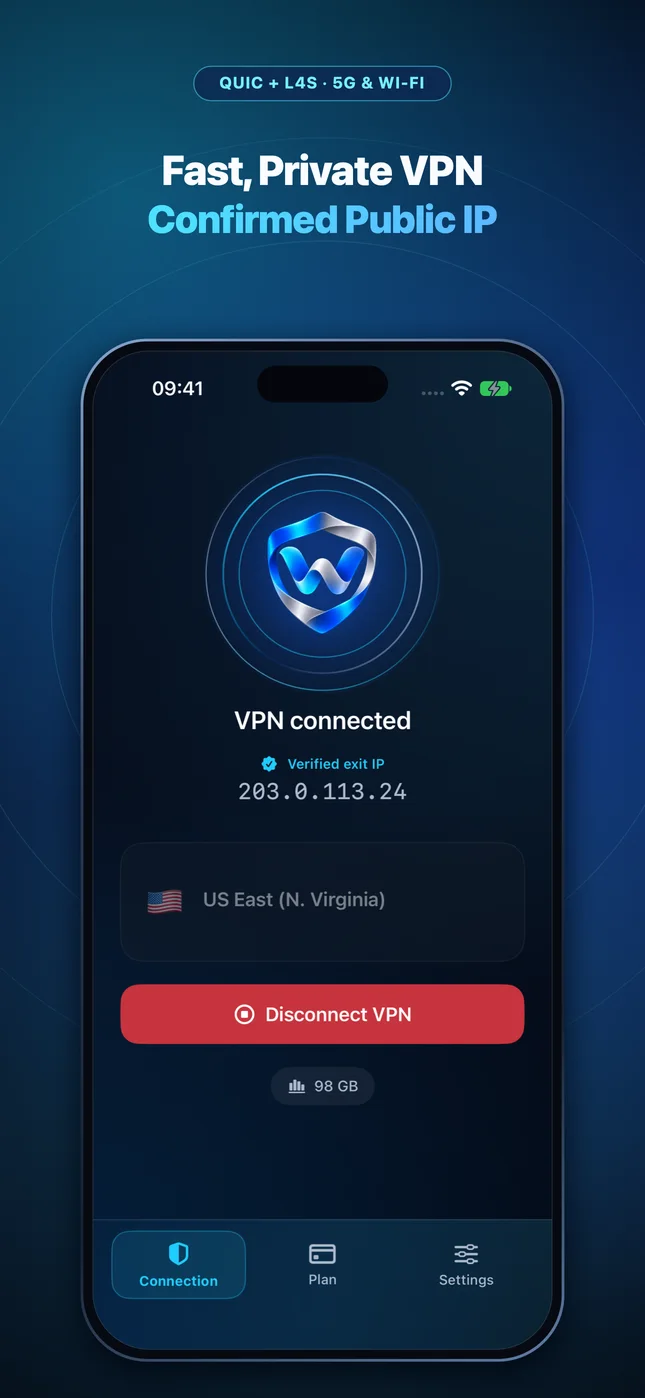
Both the main Connection screen and the detailed Usage tab display your exact remaining allowance and per-device breakdown in real time.
How can I verify that my traffic is actually exiting through the VPN server?
Wonek VPN runs an encrypted post-connect check and displays the verified public IPv4 address right on the Connection screen so you never have to guess.
Related VPN, QUIC & Static IP Guides
'Would Like to Add VPN Configurations' on iPhone: Is It Safe?
Why iOS shows a scary-sounding system alert with Face ID/Passcode the first time any legitimate VPN app sets up its NetworkExtension profile.
Apple iOS, iPadOS & macOS VPNHow Apple's NetworkExtension PacketTunnel Works on iOS 26 & macOS
Inside `NEPacketTunnelProvider`: virtual utun interfaces, strict iOS memory ceilings, DNS settings, and why native Swift/Rust beats bloated wrappers.
Apple iOS, iPadOS & macOS VPNTCP vs UDP VPN Protocols (2026): Why QUIC UDP 443 + TCP 443 Wins
UDP is fast until hotel Wi-Fi blocks it; TCP works everywhere until packet loss causes stalls! How Wonek VPN's automatic transport race gets both.
Apple iOS, iPadOS & macOS VPNWhy IKEv2 VPNs Connect at Home But Fail on Hotel & Campus Wi-Fi
IKEv2/IPsec relies on UDP ports 500 and 4500—the very first ports blocked on guest VLANs and cellular Wi-Fi Calling filters.