 Wonek VPN
APPLE IOS, IPADOS & MACOS VPN · IPHONE, IPAD & MAC
Why IKEv2 VPNs Connect at Home But Fail on Hotel & Campus Wi-Fi
| Protocol | Required Ports | Guest Wi-Fi Survival |
|---|---|---|
| IKEv2 / IPsec | UDP 500 & UDP 4500 | Frequently blocked on hotels & eduroam |
| Standard WireGuard | UDP 51820 (typical) | Blocked on TCP-only networks |
| Wonek QUIC + Fallback | UDP 443 -> TCP 443 / 80 | Connects across strict guest Wi-Fi |
Port 500 & NAT-T UDP 4500 Filtering
Guest network administrators routinely permit only DNS (53), HTTP (80), and HTTPS (443), dropping UDP 500 and 4500 silently so IKEv2 negotiations time out after 15 seconds.
Even worse, some mobile routers reserve UDP 4500 for carrier VoWiFi (Wi-Fi Calling), causing sporadic IPsec drops.
Modern Port-443 Transports Solve Stuck 'Connecting...' Spinners
Running over UDP 443 (HTTP/3 QUIC) with automatic TCP 443 fallback uses standard web ports that hotels and campuses must keep open for normal browsing.
Always sign into any captive splash page first, then enable your tunnel.
Architecture flow: Automatic transport races low-latency QUIC + L4S datagrams first and seamlessly falls back to pinned inner-TLS over TCP 443/80 on restricted Wi-Fi.
Test It Yourself: Free Interactive Calculator + Native Apple App
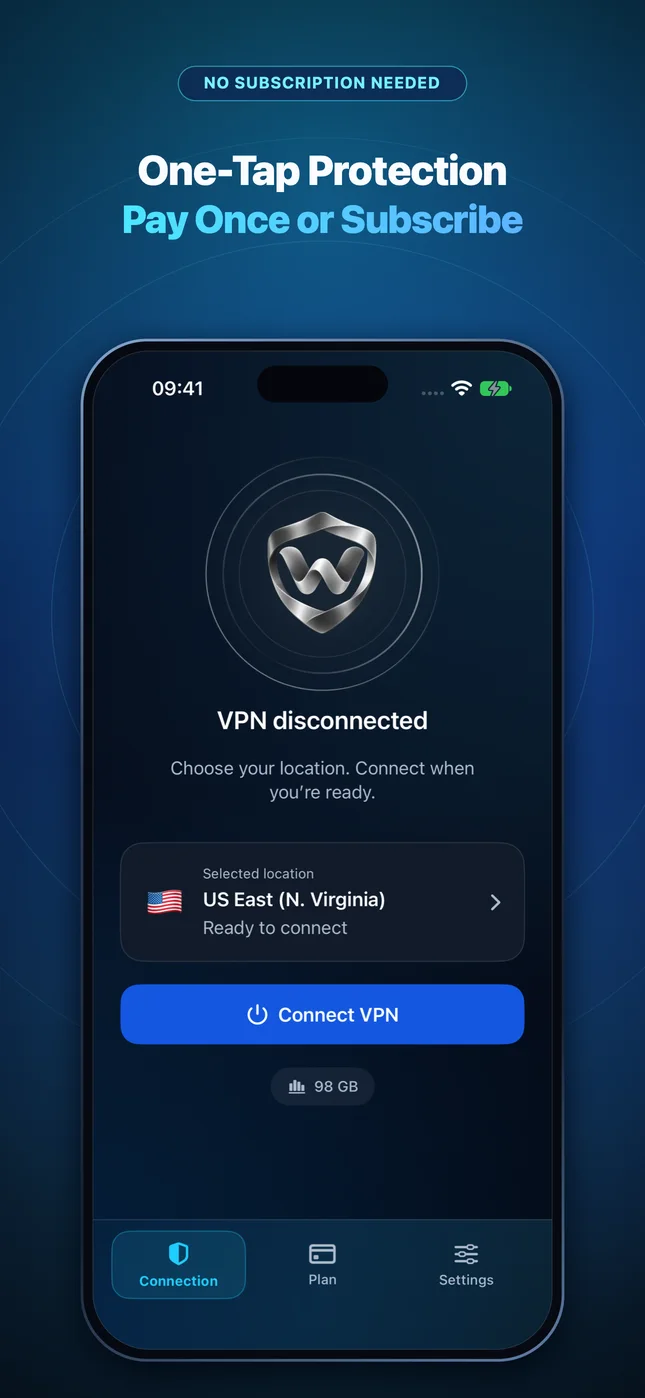
Run your own numbers in our zero-signup Transport Fallback Simulator, or get Wonek VPN on iPhone, iPad & Mac from $1.99 with zero auto-renewal.
Frequently Asked Questions
Why did Surfshark and other providers phase out IKEv2 on several platforms?
Because UDP 500/4500 port blocking and legacy IPsec quirks caused far higher connection-failure support tickets than modern port-443 transports.
How can I verify that my traffic is actually exiting through the VPN server?
Wonek VPN runs an encrypted post-connect check and displays the verified public IPv4 address right on the Connection screen so you never have to guess.
Related VPN, QUIC & Static IP Guides
How QUIC Datagrams (RFC 9221) Stop VPN Head-of-Line Blocking
Deep dive into why tunneling IPv4 packets inside unreliable QUIC datagrams beats reliable stream tunnels for video calls, SSH, and gaming.
Apple iOS, iPadOS & macOS VPNApple L4S & ECN on iOS 26 / macOS: Smoother Calls Through a VPN
Apple championed L4S (Low Latency, Low Loss, Scalable Throughput) across iOS and macOS. Learn how congestion-marking pacing cuts queue delay.
Apple iOS, iPadOS & macOS VPNWhy iPhone VPNs Reconnect When Waking From Sleep or Leaving Wi-Fi
Understanding iOS deep-sleep radio power saving, Wi-Fi Assist 5G transitions, and how QUIC connection migration / fast reconnect recovers.
Apple iOS, iPadOS & macOS VPNWhy Wireless CarPlay & iPhone Personal Hotspot Clash With VPNs (Fix)
Wireless CarPlay uses local Wi-Fi Direct between your iPhone and car head unit—learn why aggressive LAN-blocking VPNs break CarPlay & tethering.