 Wonek VPN
DEDICATED STATIC IPV4 & DEVOPS · IPHONE, IPAD & MAC
Locking WordPress `/wp-admin` & Ghost Admin to a Static VPN IP
| Endpoint | Public Exposure | Cloudflare WAF + `/32` Static IP |
|---|---|---|
| `/wp-login.php` | 1,000s of daily bot hits | Blocked at Cloudflare edge before PHP runs |
| Public blog readers | Normal fast access | 100% unaffected |
Zero-Plugin Edge Protection With Cloudflare WAF + Static IPv4
Create one free Cloudflare WAF Custom Rule: if URI path contains `/wp-admin` (excluding `admin-ajax.php`) or `/wp-login.php` AND `ip.src != <Your-Wonek-Static-IP>`, Block!
Whenever you edit posts from your MacBook, iPad, or iPhone, flip Wonek VPN ON and walk right in while bots hit a brick wall.
IP routing comparison: Shared gateways blend traffic behind a common address, whereas Dedicated IP binds one reserved IPv4 exclusively to your account.
Test It Yourself: Free Interactive Calculator + Native Apple App
Run your own numbers in our zero-signup Nginx & WAF /32 Rule Generator, or get Wonek VPN on iPhone, iPad & Mac from $1.99 with zero auto-renewal.
Frequently Asked Questions
Will blocking `/wp-login.php` by IP slow down public visitors reading my site?
Not at all—public pages remain open to everyone worldwide while only the admin login URI requires your Dedicated IPv4.
How can I verify that my traffic is actually exiting through the VPN server?
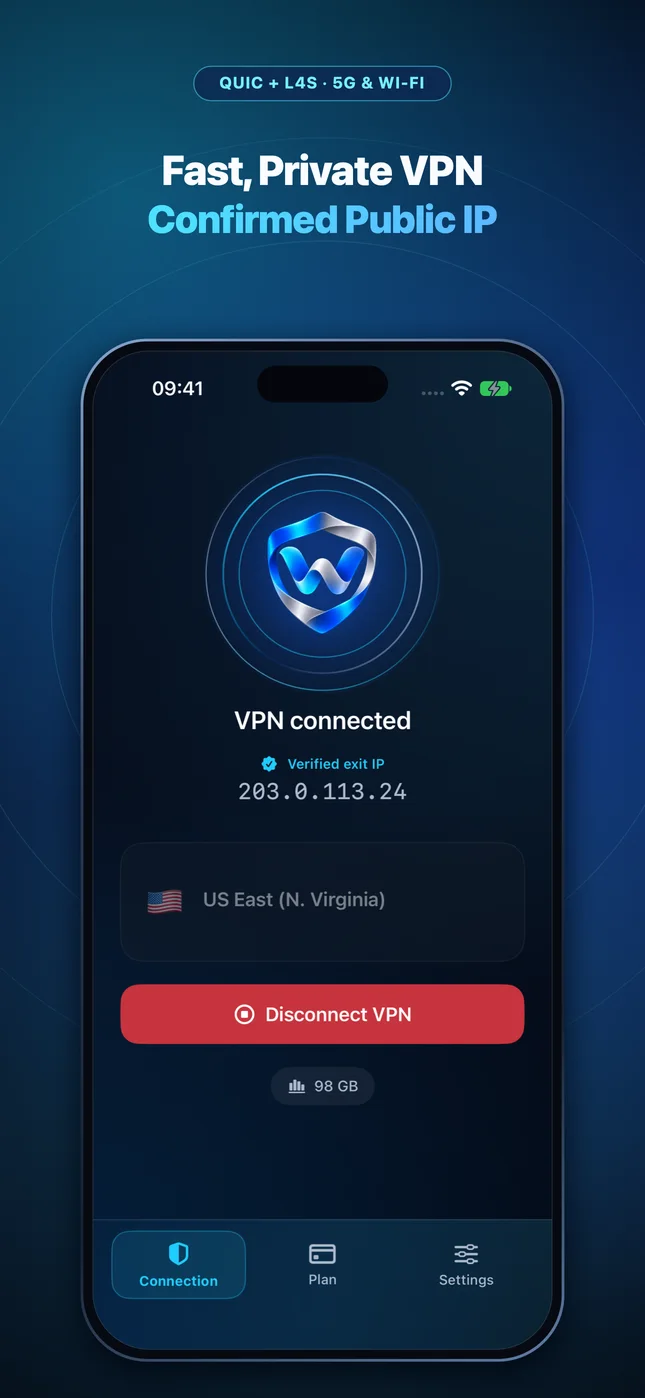
Wonek VPN runs an encrypted post-connect check and displays the verified public IPv4 address right on the Connection screen so you never have to guess.
Related VPN, QUIC & Static IP Guides
Pairing Cloudflare Zero Trust & WAF Rules With a Dedicated Static IPv4
Combine identity checks (Cloudflare Access) with source-IP policies (`ip.src in {<IP>/32}`) for staging apps and internal admin tools.
Dedicated Static IPv4 & DevOpsSecure Remote Access to Synology NAS, Proxmox & Home Assistant
If you expose a custom reverse proxy on your home fiber router, never leave it open to the whole internet—filter WAN ingress to your Dedicated Static IPv4.
Dedicated Static IPv4 & DevOpsAccessing Stripe, App Store Connect & Merchant Dashboards While Traveling
Founder horror story: getting locked out of payment or ad accounts while boarding a flight abroad! Keep login geography consistent with Static IPv4.
Dedicated Static IPv4 & DevOpsTesting IP-Whitelisted Partner APIs (Banking, Travel, Telecom) on Mac
Enterprise B2B APIs (fintech, GDS travel, healthcare EDI, payment gateways) often whitelist max 1–2 static IPs for sandbox & debug calls.