 Wonek VPN
APPLE IOS, IPADOS & MACOS VPN · IPHONE, IPAD & MAC
Apple L4S & ECN on iOS 26 / macOS: Smoother Calls Through a VPN
| Metric | Old Bufferbloated Tunnel | Paced QUIC + L4S Path |
|---|---|---|
| Idle Ping | 24 ms | 24 ms |
| Loaded Ping (During Upload) | 280–600 ms | 32–55 ms |
Latency Under Load (RPM — Responsiveness Per Minute)
Apple's network quality tests measure Responsiveness (RPM) under load rather than idle ping alone. L4S uses Explicit Congestion Notification (ECN) bits and smooth packet pacing to react to queue growth in milliseconds before packets drop.
Wonek VPN tunes pacing and fair outbound queuing across its Apple PacketTunnel and gateways so interactive calls stay snappy even during heavy transfers.
Testing Your Own Network's Responsiveness on Mac
Run `networkQuality -v` in macOS Terminal before and after connecting on Wi-Fi to see upload/download capacity and responsiveness side by side.
Pick the geographically closest Wonek gateway whenever low RTT matters most.
Architecture flow: Automatic transport races low-latency QUIC + L4S datagrams first and seamlessly falls back to pinned inner-TLS over TCP 443/80 on restricted Wi-Fi.
Test It Yourself: Free Interactive Calculator + Native Apple App
Run your own numbers in our zero-signup Latency & Jitter Calculator, or get Wonek VPN on iPhone, iPad & Mac from $1.99 with zero auto-renewal.
Frequently Asked Questions
How do I run Apple's built-in responsiveness test on my Mac?
Open Terminal on macOS and run `networkQuality`—it reports both throughput and Working Latency / RPM.
How can I verify that my traffic is actually exiting through the VPN server?
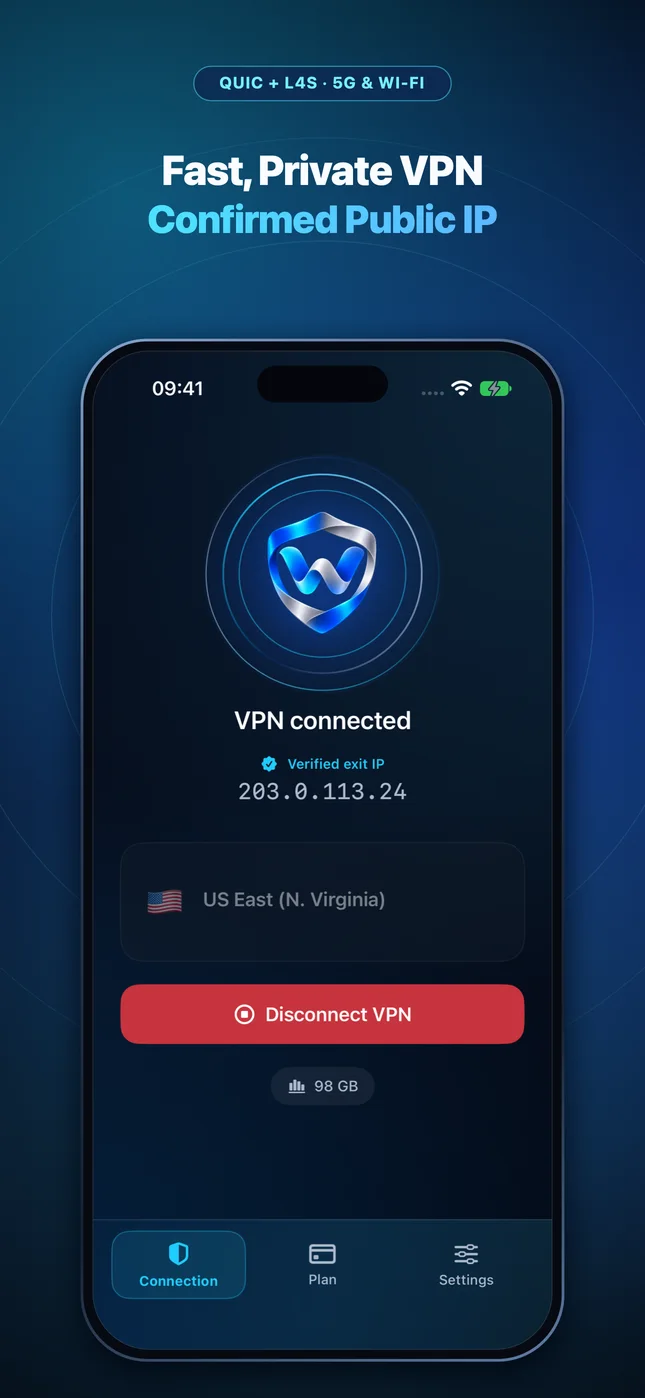
Wonek VPN runs an encrypted post-connect check and displays the verified public IPv4 address right on the Connection screen so you never have to guess.
Related VPN, QUIC & Static IP Guides
Why iPhone VPNs Reconnect When Waking From Sleep or Leaving Wi-Fi
Understanding iOS deep-sleep radio power saving, Wi-Fi Assist 5G transitions, and how QUIC connection migration / fast reconnect recovers.
Apple iOS, iPadOS & macOS VPNWhy Wireless CarPlay & iPhone Personal Hotspot Clash With VPNs (Fix)
Wireless CarPlay uses local Wi-Fi Direct between your iPhone and car head unit—learn why aggressive LAN-blocking VPNs break CarPlay & tethering.
Apple iOS, iPadOS & macOS VPNUsing AirDrop, AirPlay, Universal Control & Printers While on a VPN
How Apple Continuity (peer-to-peer AWDL) works alongside a VPN, and when LAN subnet devices like printers or NAS boxes need local reachability.
Apple iOS, iPadOS & macOS VPNDNS Privacy on iPhone & Mac: VPN Tunnel DNS vs Encrypted DoH Profiles
Stop ISP and hotel router DNS snooping & hijacking: how `NEDNSSettings` inside a VPN interacts with iOS custom DNS profiles.