 Wonek VPN
TRAVEL, PUBLIC WI-FI & NOMAD GUIDES · IPHONE, IPAD & MAC
Evil-Twin Airport & Cafe Wi-Fi Hotspots: Real Risks & How a VPN Protects You
| Attack Vector on Rogue Wi-Fi | Without VPN | With Wonek VPN Active |
|---|---|---|
| DNS lookup logging & spoofing | Exposed to hotspot owner | Encrypted inside VPN tunnel |
| Fake captive '.dmg/.mobileconfig' prompt | Social-engineering risk | Never install files a Wi-Fi page offers! |
What HTTPS Already Stops—and What Rogue Routers Still Manipulate
Modern HSTS websites prevent plain SSL stripping on major banks, yet an evil-twin hotspot still sees every unencrypted DNS lookup, destination IP, timing pattern, plain-HTTP IoT/app request, and can serve fake 'Wi-Fi Update Required' captive downloads.
With Wonek VPN active, the rogue router sees only one pinned TLS 1.3 / QUIC tunnel to a Wonek gateway—zero DNS queries and zero destination hostnames.
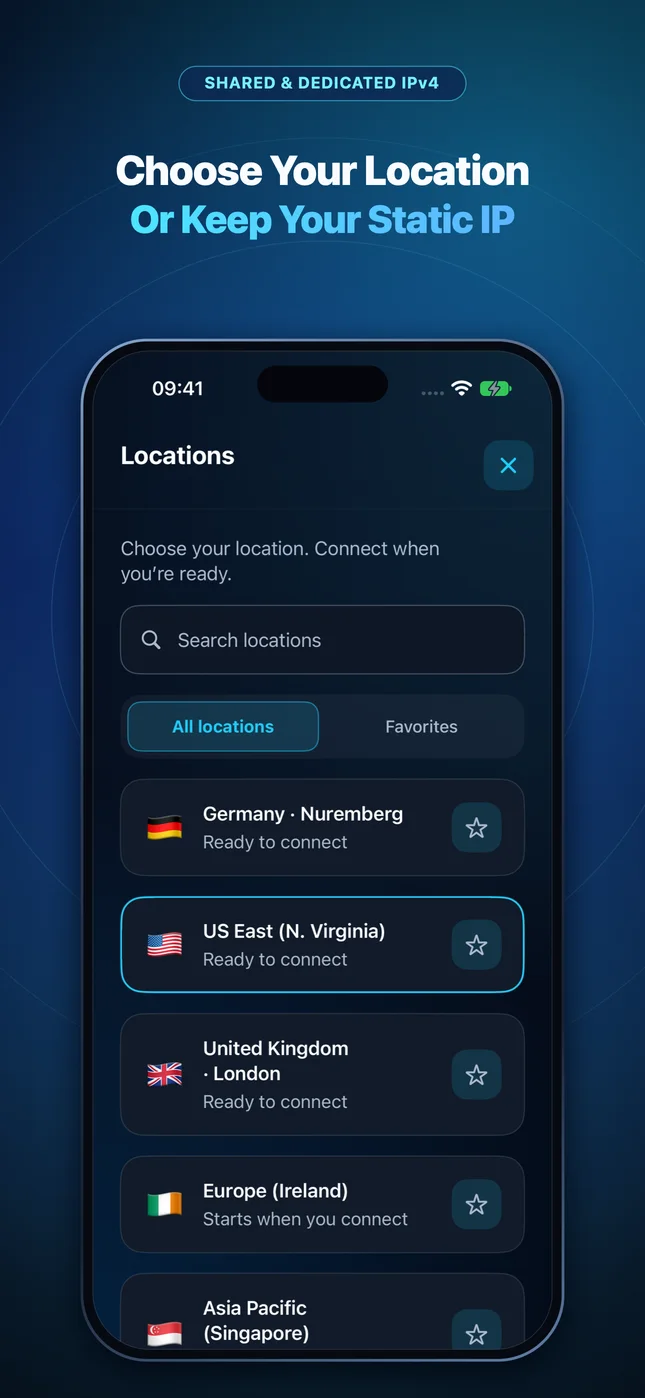
Architecture flow: Automatic transport races low-latency QUIC + L4S datagrams first and seamlessly falls back to pinned inner-TLS over TCP 443/80 on restricted Wi-Fi.
Test It Yourself: Free Interactive Calculator + Native Apple App
Run your own numbers in our zero-signup Travel Wi-Fi Data Planner, or get Wonek VPN on iPhone, iPad & Mac from $1.99 with zero auto-renewal.
Frequently Asked Questions
What if a hotel Wi-Fi page asks me to download a 'Security Certificate' to get online?
Disconnect immediately and switch to cellular/eSIM—no legitimate guest Wi-Fi requires installing a root certificate or `.dmg` executable.
How can I verify that my traffic is actually exiting through the VPN server?
Wonek VPN runs an encrypted post-connect check and displays the verified public IPv4 address right on the Connection screen so you never have to guess.
Related VPN, QUIC & Static IP Guides
In-Flight Airplane Wi-Fi (Starlink, Viasat, Intelsat) & VPNs in 2026
High altitude means 45–600 ms satellite RTT and frequent UDP shaping. How to get a VPN connected at 35,000 feet on iPhone, iPad & Mac.
Travel, Public Wi-Fi & Nomad GuidesTrain Wi-Fi VPN Guide (Eurostar, TGV, ICE, Shinkansen & Amtrak — 2026)
Moving at 300 km/h across cell towers causes 2–5% packet loss and tunnels! Why QUIC datagrams beat OpenVPN TCP on trains.
Travel, Public Wi-Fi & Nomad GuidesCruise Ship & Ferry Wi-Fi VPN Guide: Port Blocks & Data Conservation
Cruise Wi-Fi packages often block legacy IPsec/WireGuard ports and meter bandwidth tightly. How port-443 fallback + Low Data Mode help.
Travel, Public Wi-Fi & Nomad GuidesIs Airbnb & Vacation Rental Wi-Fi Safe? Untrusted Consumer Routers Explained
Unlike enterprise hotels with client isolation, an Airbnb router belongs to a stranger—who controls DNS settings, router logs, and LAN devices.