 Wonek VPN
DEDICATED STATIC IPV4 & DEVOPS · IPHONE, IPAD & MAC
GitHub Enterprise, GitLab & Bitbucket IP Allowlists for Remote Mac Devs
| Workflow | Dynamic Café IP | Wonek Dedicated `/32` IPv4 |
|---|---|---|
| `git push` to IP-locked org | Rejected (`ERROR: IP allow list`) | Accepted cleanly |
| Data used per 100 PR reviews | N/A | <150 MB total |
Clean `git push` Over SSH or HTTPS From Any Network
Register your single Wonek Dedicated Static IPv4 `/32` with your org admin once, connect Wonek VPN before running `git fetch` or opening Jira/GitLab, and every request originates from your approved address.
Remember that coding and `git` diffs use tiny megabytes—200 GB/month covers thousands of repository syncs.
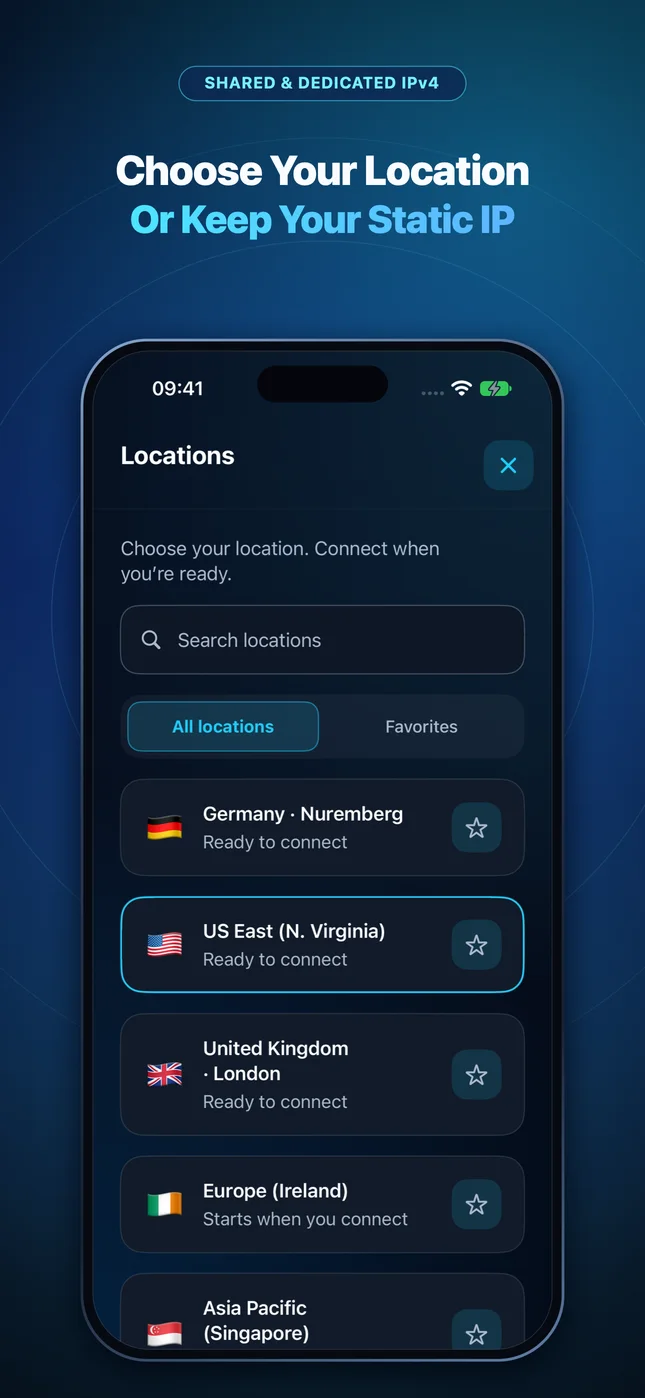
IP routing comparison: Shared gateways blend traffic behind a common address, whereas Dedicated IP binds one reserved IPv4 exclusively to your account.
Test It Yourself: Free Interactive Calculator + Native Apple App
Run your own numbers in our zero-signup Git & SaaS Allowlist Tool, or get Wonek VPN on iPhone, iPad & Mac from $1.99 with zero auto-renewal.
Frequently Asked Questions
Does Wonek VPN route command-line `git` over SSH (port 22) as well as HTTPS?
Yes—because Wonek VPN is a system-wide macOS PacketTunnel, Terminal `ssh`, `git`, `curl`, and Docker CLI all route through your Dedicated IPv4.
How can I verify that my traffic is actually exiting through the VPN server?
Wonek VPN runs an encrypted post-connect check and displays the verified public IPv4 address right on the Connection screen so you never have to guess.
Related VPN, QUIC & Static IP Guides
Locking WordPress `/wp-admin` & Ghost Admin to a Static VPN IP
Block 100% of `wp-login.php` and `xmlrpc.php` botnet attacks at Cloudflare or Nginx by restricting admin paths to your Dedicated Static IPv4.
Dedicated Static IPv4 & DevOpsPairing Cloudflare Zero Trust & WAF Rules With a Dedicated Static IPv4
Combine identity checks (Cloudflare Access) with source-IP policies (`ip.src in {<IP>/32}`) for staging apps and internal admin tools.
Dedicated Static IPv4 & DevOpsSecure Remote Access to Synology NAS, Proxmox & Home Assistant
If you expose a custom reverse proxy on your home fiber router, never leave it open to the whole internet—filter WAN ingress to your Dedicated Static IPv4.
Dedicated Static IPv4 & DevOpsAccessing Stripe, App Store Connect & Merchant Dashboards While Traveling
Founder horror story: getting locked out of payment or ad accounts while boarding a flight abroad! Keep login geography consistent with Static IPv4.